air mouse
The Airmouse was designed to address the issue of poor posture and pain that arises from long hours of sitting at a desk. We aimed to develop a new way to control the mouse that would allow for different postures and movements to be performed.

__________
Brainstorming and topic selection
The project began with a brainstorming phase, where many different topics were discussed. These topics could be assigned to the overarching themes of „work efficiency“ and „work ergonomics.“ After years of remote work caused by the pandemic, the team found a lot of potential for improvement at their home computer workstations.
__________
Identifying the Problem and Solution
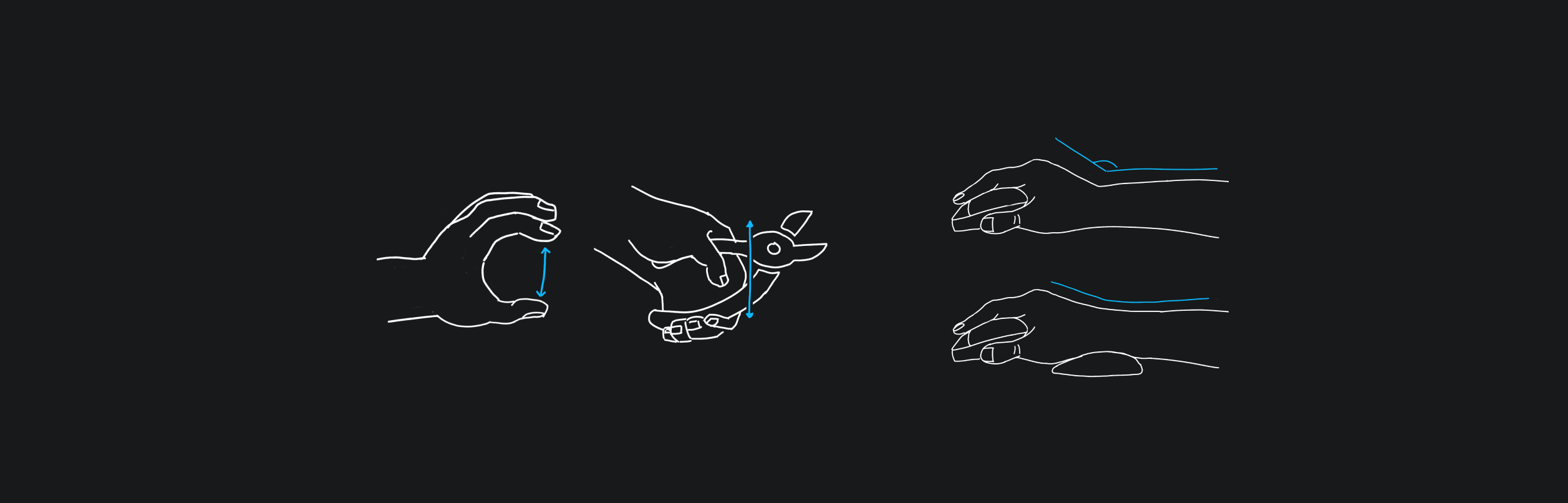
We aimed to find a new way to control the mouse that would allow for different postures and movements to be performed, thus reducing the risk of poor posture. Subsequently, the team focused on a specific part of the body: the hands. The team found that conventional computer mice force the hand into an unnatural position, causing tension and subsequent inflammation. They realized that relief, stretching, and training could help against cramped, aching hands.
How can we design a computer mouse that leads to different postures & movements of the hand, trains them at the same time, thus preventing pain AND can be integrated into everyday life?
__________
Design Process
During the design process, the team followed the Double Diamond principle. We first collected the functions they needed to cover in a mind-map. At the same time, we thought about which gestures the respective functions could be mapped to, with a special focus on possible physio exercises.
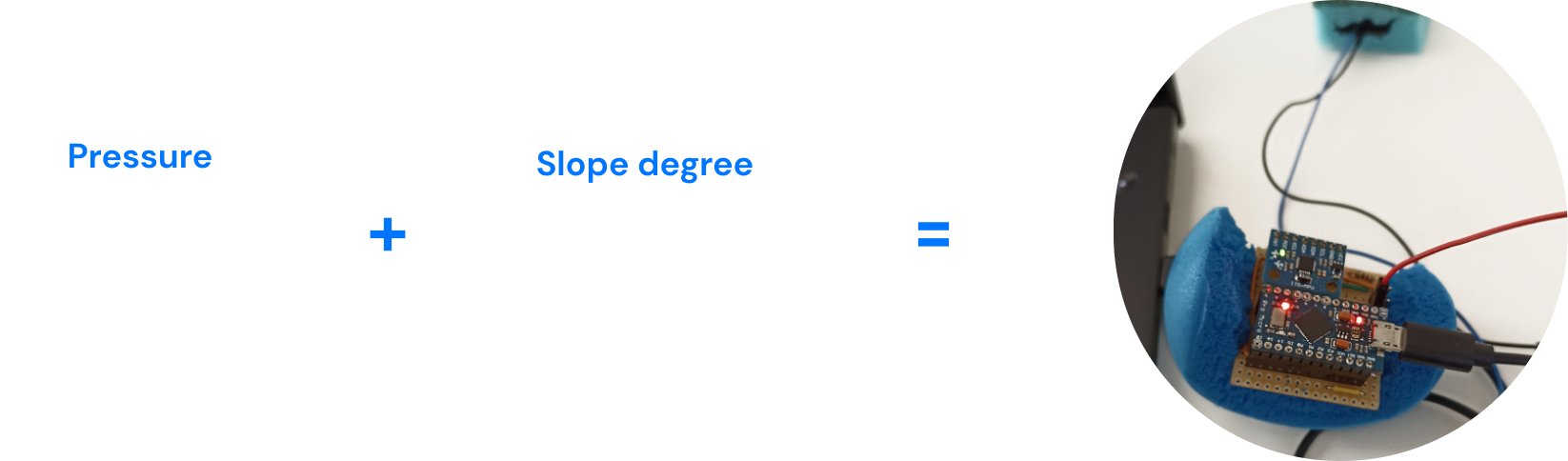
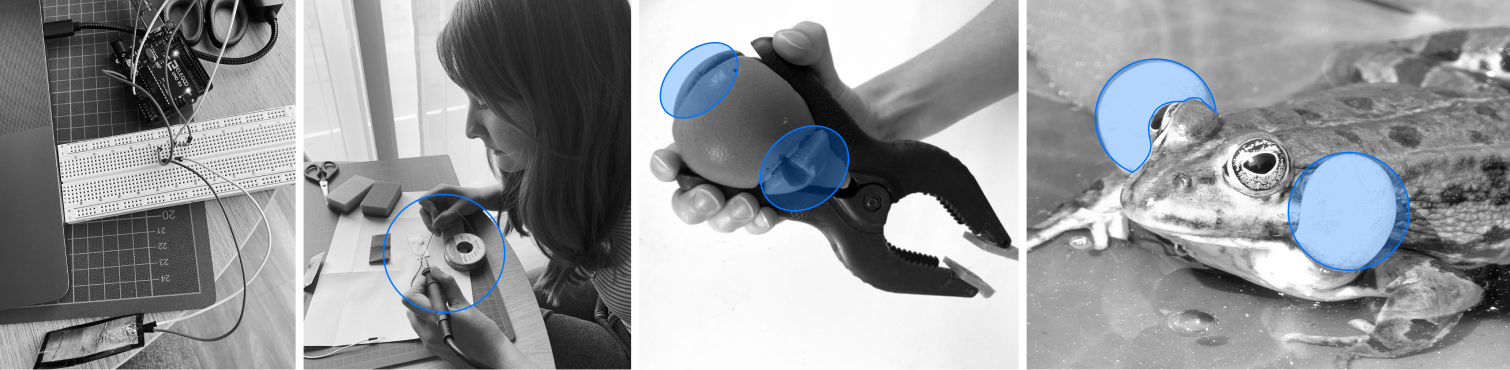
Our team had little experience with addressing the mouse cursor via Arduino, so their first step was to press the push button to move the cursor to the center of the monitor. Driven by the joy of experimentation, we tried out another pressure sensor (Velostat), which we then combined with a simple left-click function.
The gyro sensor also aroused their interest, so we tried a mouse control by tilting. The team also considered using mouse control via eye tracking to completely relieve the hands, but it was not an approach for us. Then we added LED stripes to indicate the battery level of AirMouse. And also tried to provide feedback from AirMouse by vibrating briefly at a certain angle.
__________
Testing and Feedback
Our team conducted several tests on the prototype and tested different shapes and degrees of hardness by going to several stores to try out balls from which we could build the prototype. We also used children’s modeling clay to create shapes that felt good in the hand to test later on users. Next we tried out a hand rest made of plasticine to ensure that after prolonged use, the arm would not start to hurt due to the edge of the table. The first prototypes were tested by the team in different sitting positions and for different lengths of time. This led to the idea for the hand rest.
The team also conducted a usability test which gave us important new insights and perspectives that we could use to improve the mouse. We looked for test persons who work for long hours at the computer and already have acute or chronic complaints. The test persons were asked about their previous experience with mouse controls and their complaints. The tasks were performed using Word (because everyone knows how to use it) and the test subjects were asked about the features they liked, missed, and found room for improvement.
Next we also gave the test subjects clay models to touch and evaluate, which were molded to fit the hands and make the model ergonomic. We tested the models and recorded the problems according to their impact and frequency in a problem matrix. The solutions were sorted according to their complexity and effectiveness in a solution matrix.
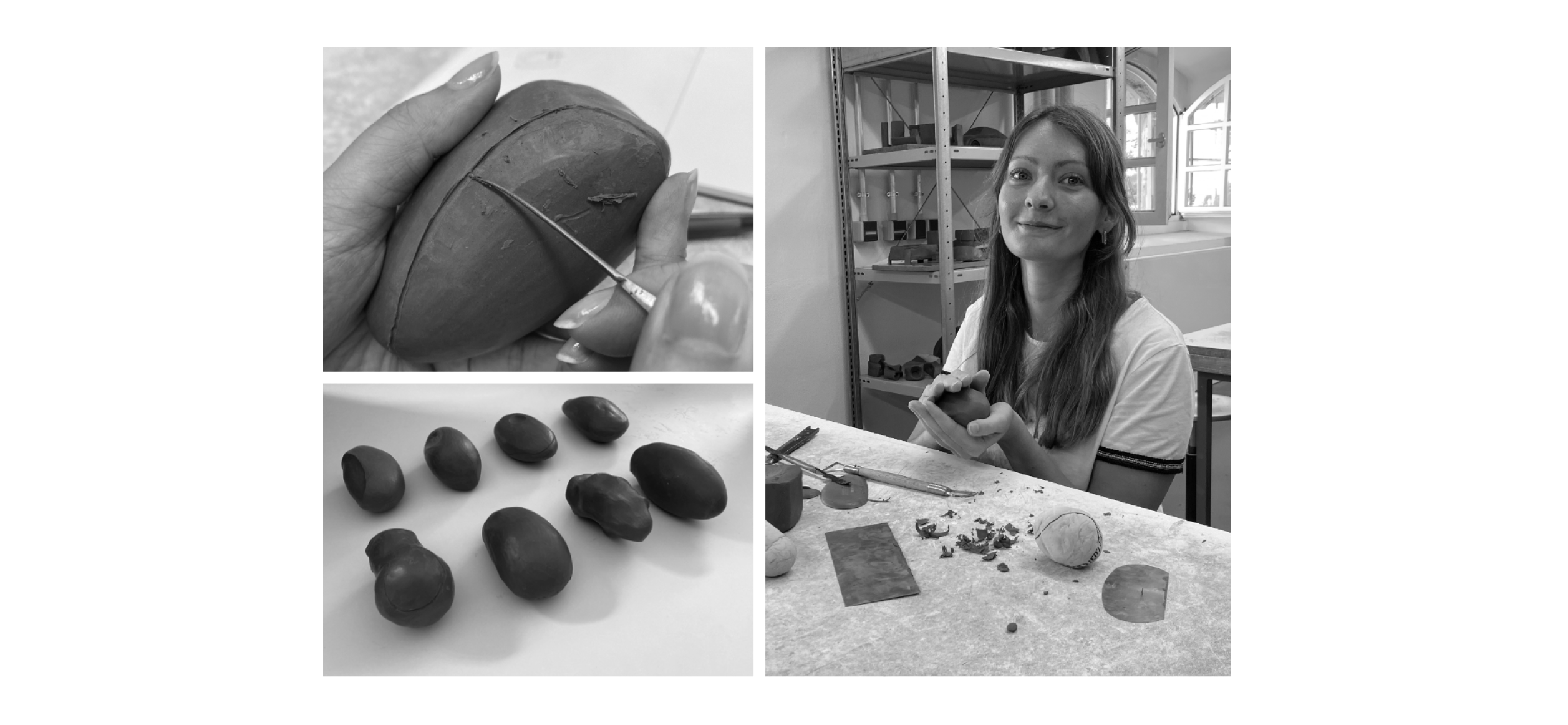
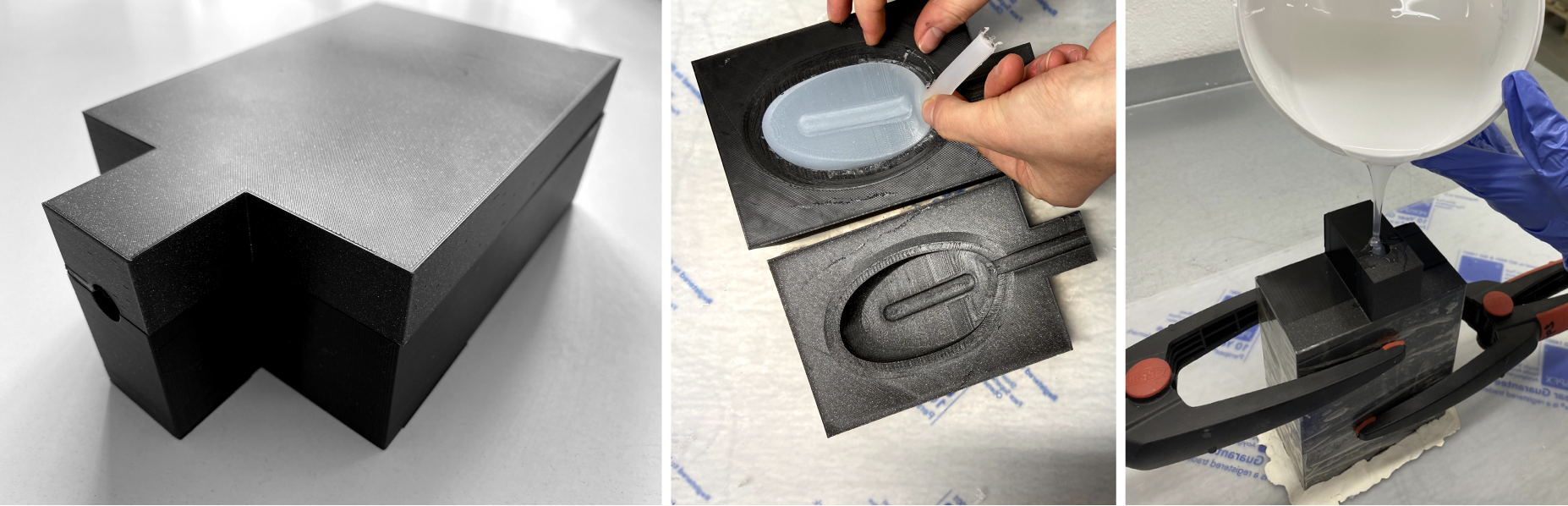
We created eight clay models, molded to fit their own hands exactly, to make the model as ergonomic as possible and also thought of attaching different weights to shift the center of gravity to feel when AirMouse was swiveled. We had the idea to model the shape and behavior of the mouse based on the sound bubbles of a frog. When the mouse is squeezed, the mold should inflate in the same way as the cheeks of a frog when it croaks. We decided to use high-quality carbon for the housing and soft silicone for the core of AirMouse.
__________
Outcome
Our group designed a new ergonomic mouse called AirMouse, which aimed to prevent poor posture and pain caused by sitting at a desk for many hours. The AirMouse allowed different postures and movements to be performed, and it trained the hand at the same time.
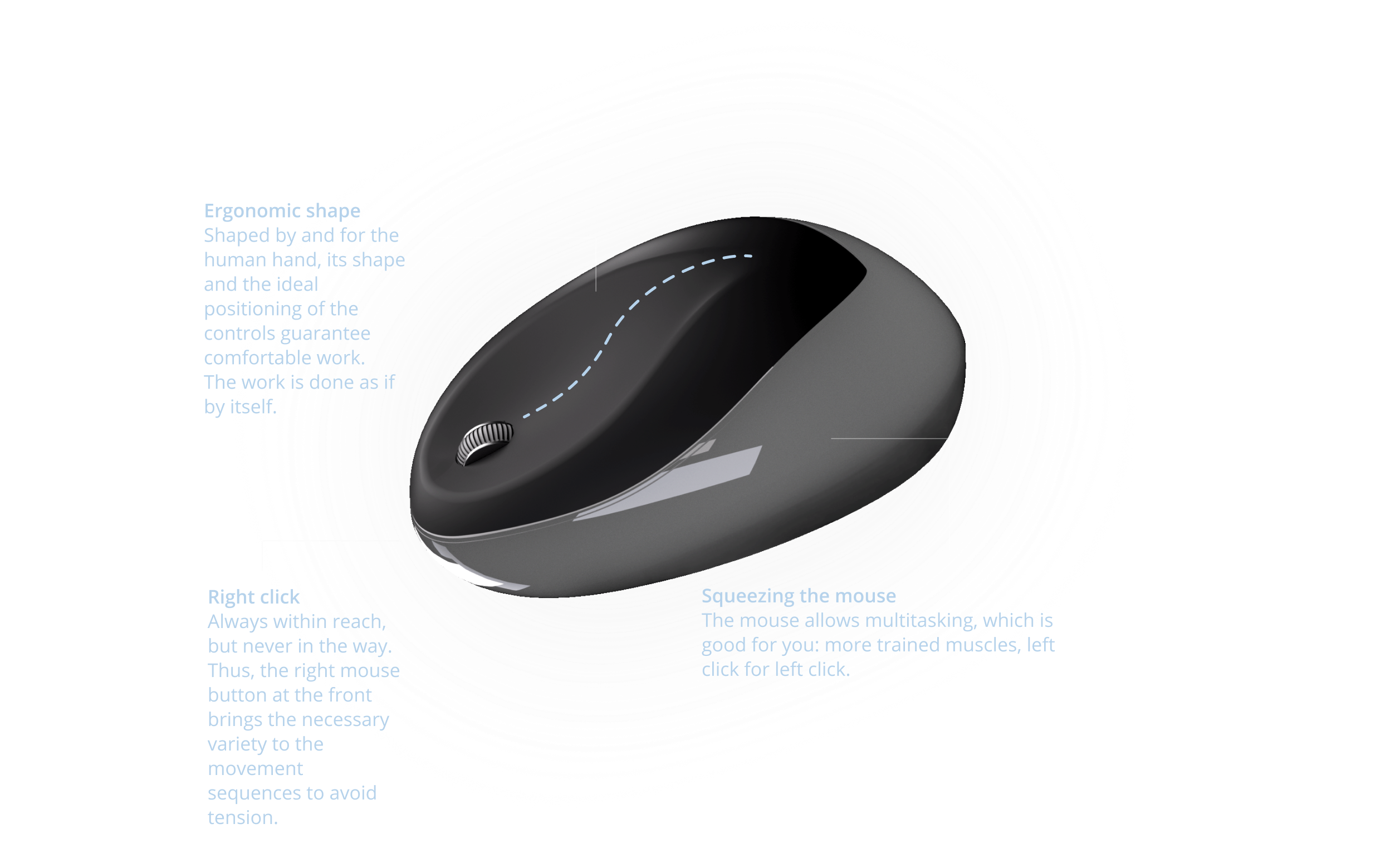
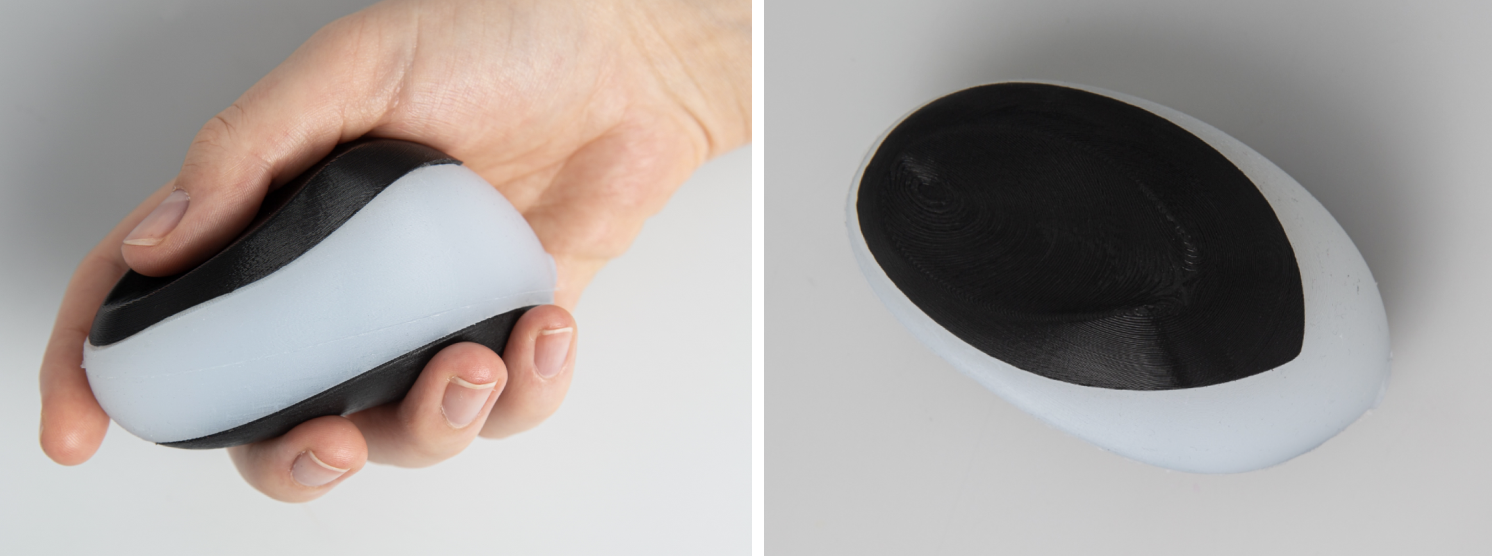
The mouse controlled by tilting and squeezing the device, which resulted in a more natural posture, putting less strain on tendons, muscles, and nerves, and improving blood circulation. The AirMouse also had a rounded shape that was comfortable to hold due to the curves and had a certain degree of hardness. It was small enough to grasp with the whole hand, and no disturbing corners pressed into the palm.
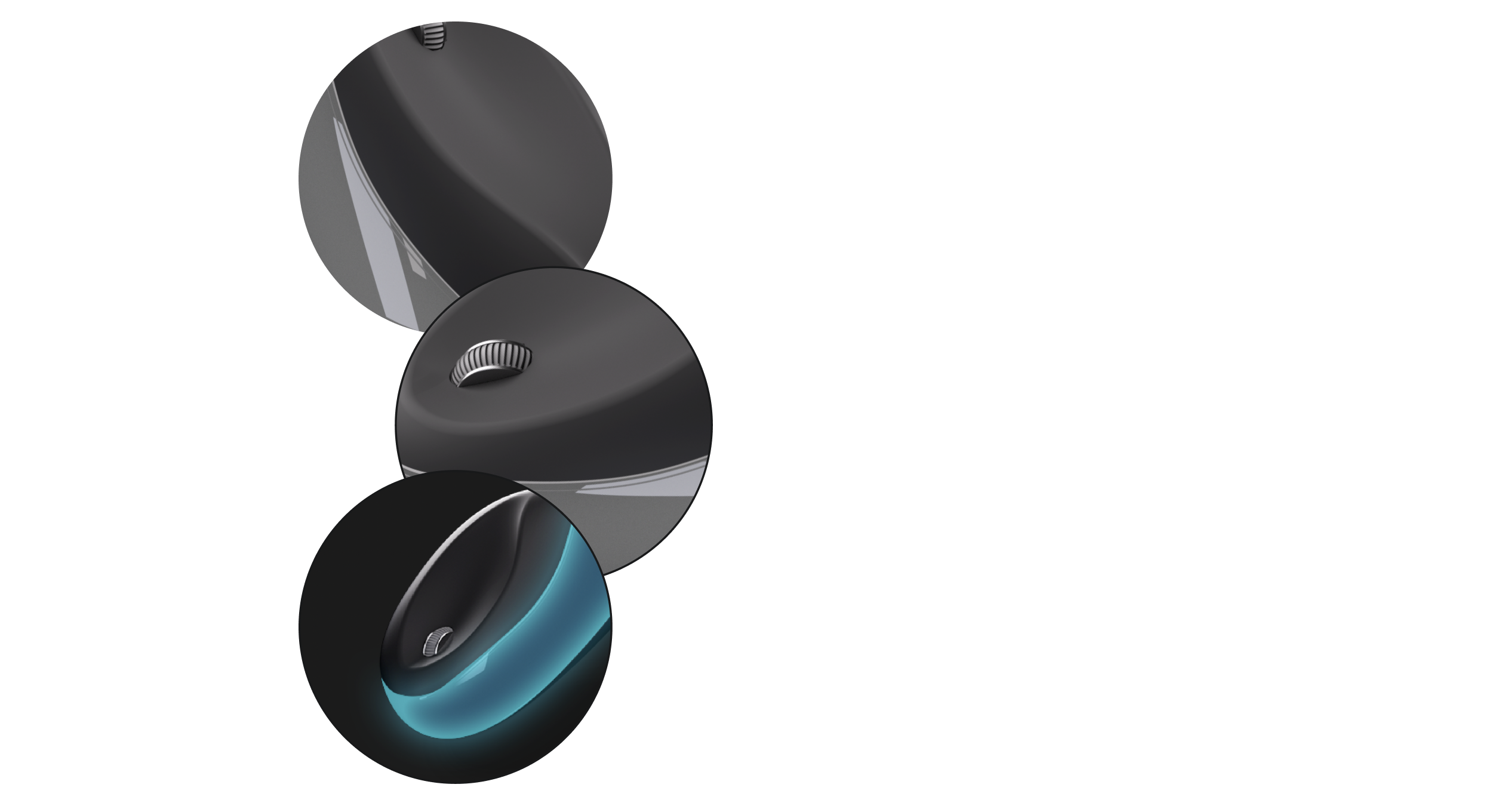
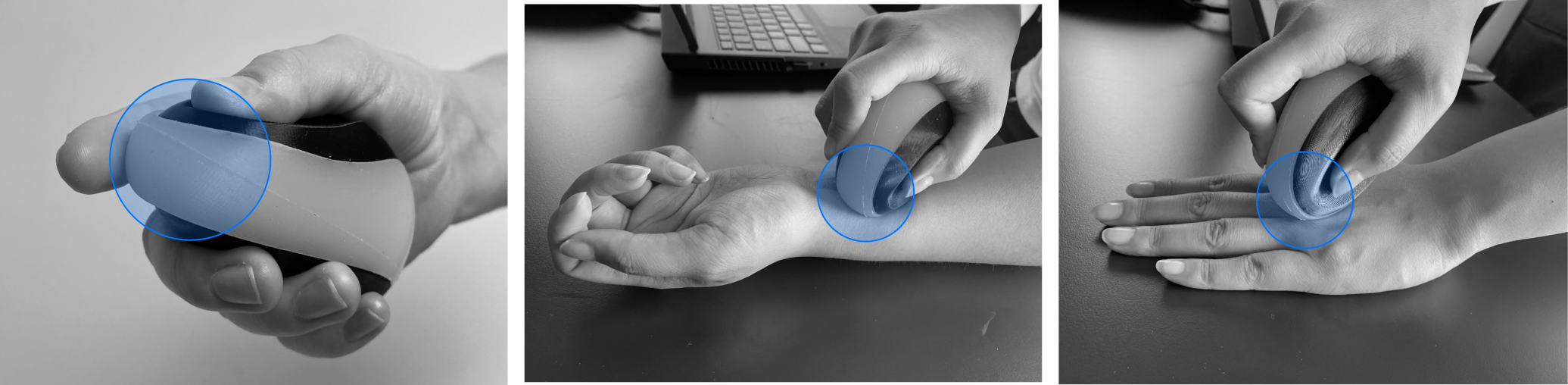
The AirMouse had a thumb notch on top, which allowed the user to exert more force, and it also had a hand strap to prevent the ball from slipping out of the hand during quick gestures. The AirMouse also allows users to exert more force when the thumb is on top instead of on the bottom.
Our team paid closer attention to the wrist angle, ensuring that it was not bent.
The mold was modeled in Rhino and optimized for 3D printing. The top and bottom surfaces were printed using a 3D printer.
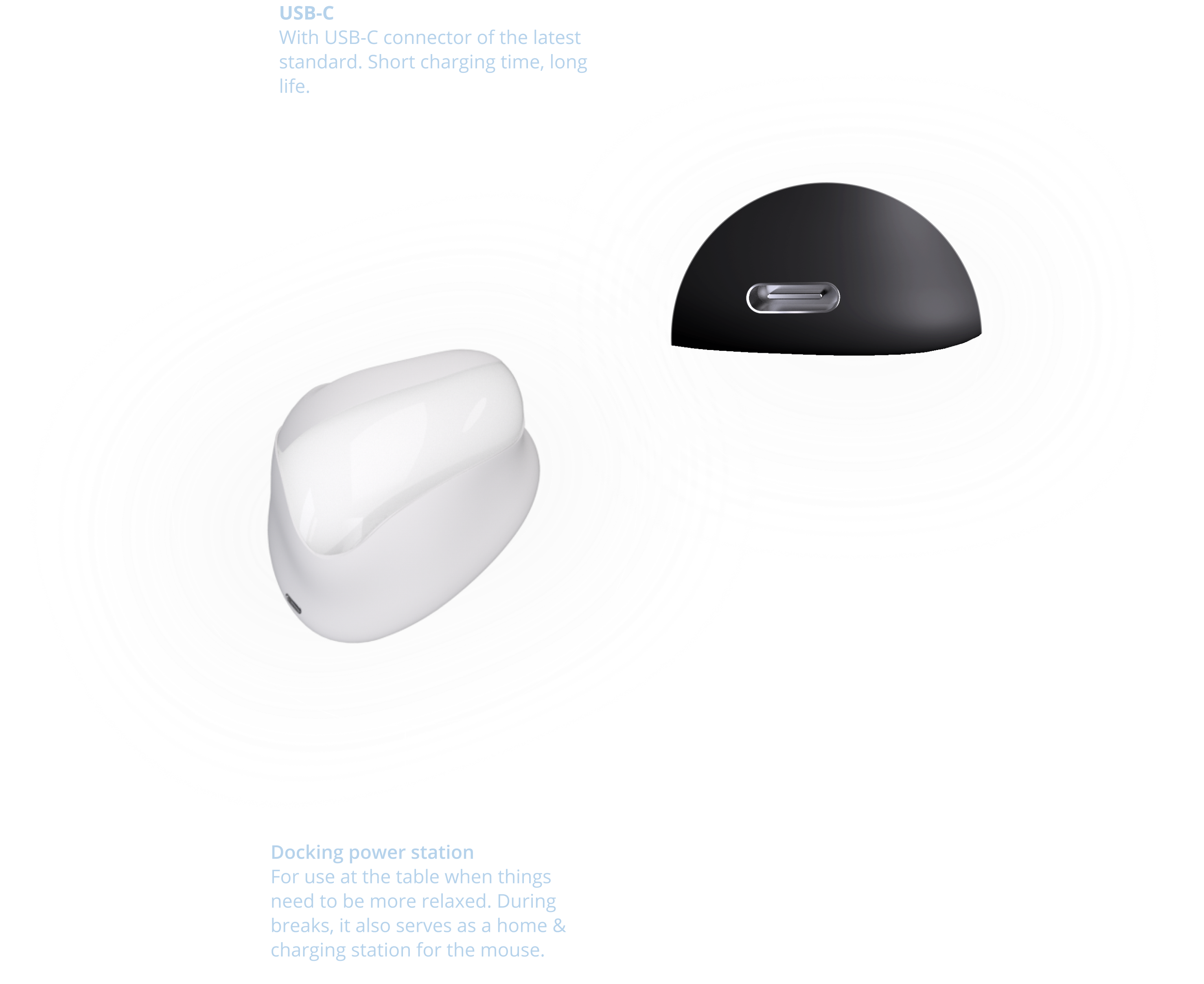
The AirMouse can be used in the air or on the table, with the arm at a 45° angle. Squeezing while clicking exercises the muscles in the hand, and the crumpling of the silicone can have a calming and stress-reducing effect on the user. An LED strip in the case always lets the user know in time by its color when the battery is low.
__________
Learings
__________________________________________________________________________________________________________________________________
User testing is crucial Involving end-users in the design process and gathering their feedback and needs is vital.
__________________________________________________________________________________________________________________________________
Iteration and prototyping are necessary Iterating and testing different designs and materials is important to refine and improve the final product.
__________________________________________________________________________________________________________________________________
Consider multiple factors in design Taking a holistic approach to design and considering various factors like ergonomics, material quality, and posture during use can lead to a better final product.
__________________________________________________________________________________________________________________________________
Challenges are inevitable Challenges can arise during any project, and it’s important to be flexible and adaptable in finding solutions.
__________________________________________________________________________________________________________________________________
Collaboration and expertise are important Seeking advice and support from experts outside the project team can improve the design and lead to a better final product.
__________________________________________________________________________________________________________________________________